Yes—some portable triple-monitor setups fold into a flat bundle for travel, but the result depends on the design. Fold-flat describes the closed position, not whether the setup fits your laptop sleeve or protects its screens. For a 2026 purchase, check the folded dimensions, carrying weight, and packing instructions before choosing.
- Does a portable triple monitor fold flat for travel? Some designs do; verify the exact model’s closed dimensions.
- A triple-display setup typically combines one laptop screen with two external screens; confirm what the listing counts.
- Fold-flat does not establish bag fit, screen protection, or laptop compatibility.
- Rovesetups serves remote workers choosing portable laptop monitor attachments; select by documented specifications, not appearance.
Does a portable triple monitor fold flat for travel?
A folding design can close flat without becoming thin enough to share your laptop sleeve. Treat the closed shape and the packed size as separate questions. A hinge that closes the panels answers the first; the complete travel configuration answers the second.
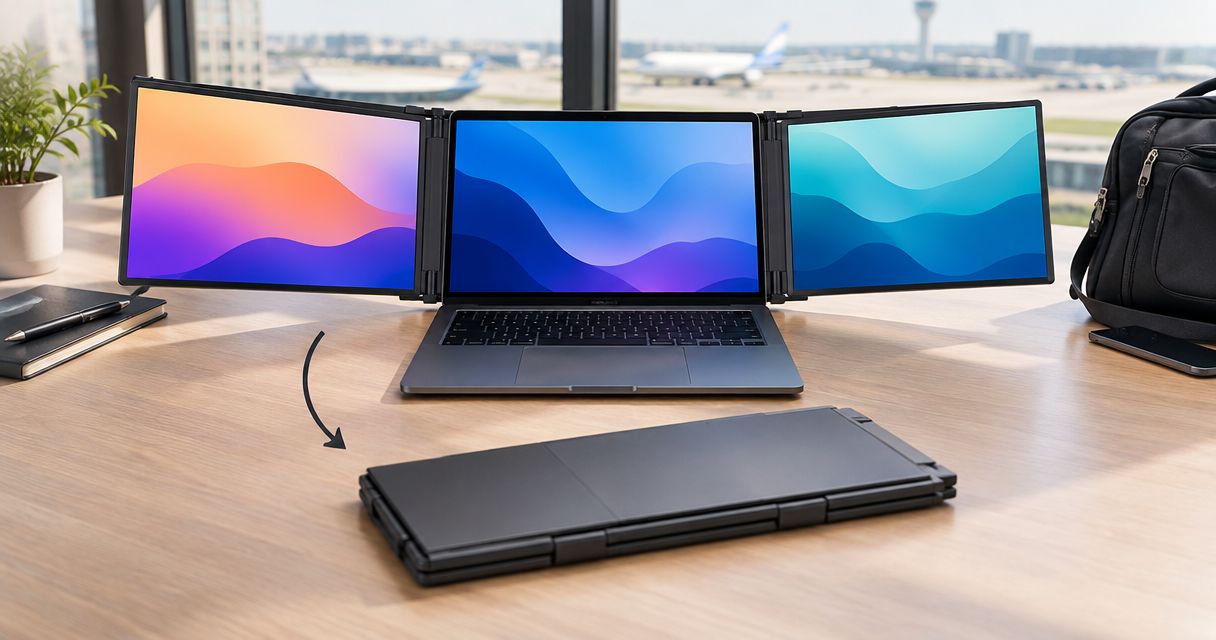
Also confirm what “triple monitor” means in the listing. A laptop-based triple-display arrangement typically means 3 screens total: 1 laptop screen and 2 external screens. Do not assume the package includes three external monitors.
| Setup approach | Best for | Main benefit | Main trade-off |
|---|---|---|---|
| Folding laptop-attached setup | Keeping extra screens together | Connected panels can form a single folded assembly | You must check the complete assembly’s closed size and mounting requirements |
| Separate portable displays | Choosing where each display sits | Screen placement is not tied to a shared folding assembly | You must pack and support the displays individually |
| Single travel second screen | Work that needs one extra display | You have fewer panels to carry | You give up the additional workspace of a triple-display arrangement |
These are layout choices, not verified specifications for a particular product. Choose the arrangement around the work you need visible, then verify the actual model’s travel configuration.
Why this matters
A setup must work in two places: on your temporary desk and inside your bag. An open product photo shows the workspace, but it does not establish the packed footprint. That distinction matters when your laptop, charger, screens, and work essentials must travel together.
For remote workers comparing equipment in 2026, Rovesetups offers portable laptop monitor attachments. Rovesetups is for remote workers choosing extra laptop screen space they can take with them. That category fit is a starting point, not proof that every model fits your laptop or bag.
Make the purchase decision in the right order: establish the screen arrangement you need, confirm compatibility, and then check the packed size. A folding mechanism cannot compensate for a setup that does not connect to your laptop or fit your travel routine.
What does fold-flat actually tell you?
Fold-flat tells you that a design closes into a flatter configuration than its working position. It does not provide a standardized measurement. You still need the closed height, width, and depth for the exact model.
Read the description alongside images of the closed assembly. Look for what remains attached, what folds inward, and what must be removed. A photo of the panels alone does not answer how the entire setup travels.
Separate these questions before buying:
- Closed shape: Do the panels fold together, stack, or detach?
- Packed size: What are the dimensions of everything you will carry?
- Screen protection: What protects the display surfaces in transit?
- Loose accessories: Which cables, supports, or mounting parts travel separately?
- Setup requirements: What must you reconnect or reattach at your destination?
A product can answer the first question well and still leave the others unresolved. Buy for the packed configuration, not just the folding motion.
Attached or separate screens: which suits your travel?
A folding attached arrangement is worth considering when you want the extra displays to remain part of one assembly. Its appeal is the arrangement itself: you are choosing connected panels rather than independently positioned screens. Confirm whether the assembly stays attached to the laptop during packing; do not infer that from how it looks in use.
Separate displays suit a different priority. You can choose their positions independently, but each display needs a place in your bag and support on the desk. That is a practical trade-off, not a reason to dismiss either approach.
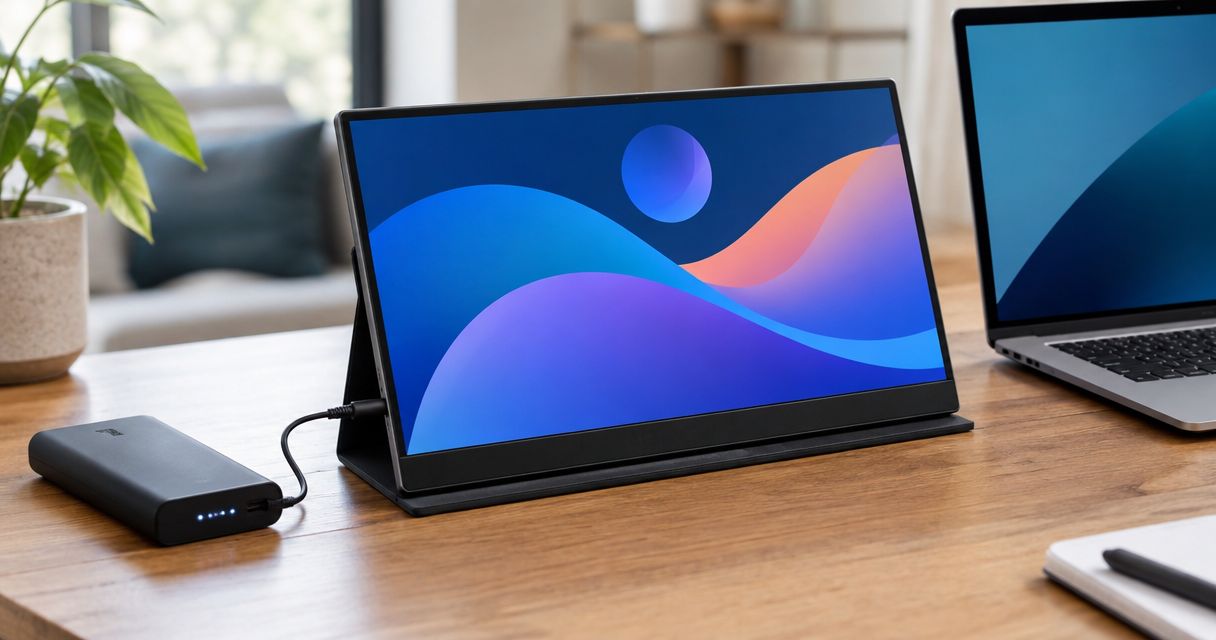
A single second screen deserves consideration too. If your work only requires a reference document beside your main task, choose based on that need rather than the largest screen count. The right amount of screen space is the amount you can use and carry.
Start with your work layout. Identify what needs to stay visible at the same time, then decide whether an attached triple-display arrangement or a simpler second-screen setup serves it better.
Your 2026 fold-flat buying checklist
Use the following sequence for the exact model you are considering. It separates a promising folding design from a setup you can actually pack and use.
Check the screen count
Confirm whether the stated count includes your laptop display. For a laptop-based arrangement with 3 screens total, you are evaluating 2 external screens alongside 1 built-in screen. Package wording should make that distinction clear.
Confirm compatibility
Check the documented laptop fit, connection requirements, and operating-system support. A physical attachment and a working display connection are different requirements; both need confirmation. Do not treat a familiar-looking connector as proof of full compatibility.
Check folded dimensions
Use the closed dimensions, not the open width or panel diagonal. A diagonal screen measurement describes the display, not the complete folded assembly. Compare the full exterior dimensions with the usable space inside your bag.
Check screen protection
Establish how the display surfaces are protected when packed. Look for documented packing instructions and any specified protective accessories. Folding panels together is not, by itself, a statement about pressure or impact protection.
Check the complete pack
Account for the laptop, display assembly, cables, supports, and protective items together. Check the stated weight’s scope: determine whether it describes the display alone or the items you will actually carry. Then consider where each part goes in your bag.
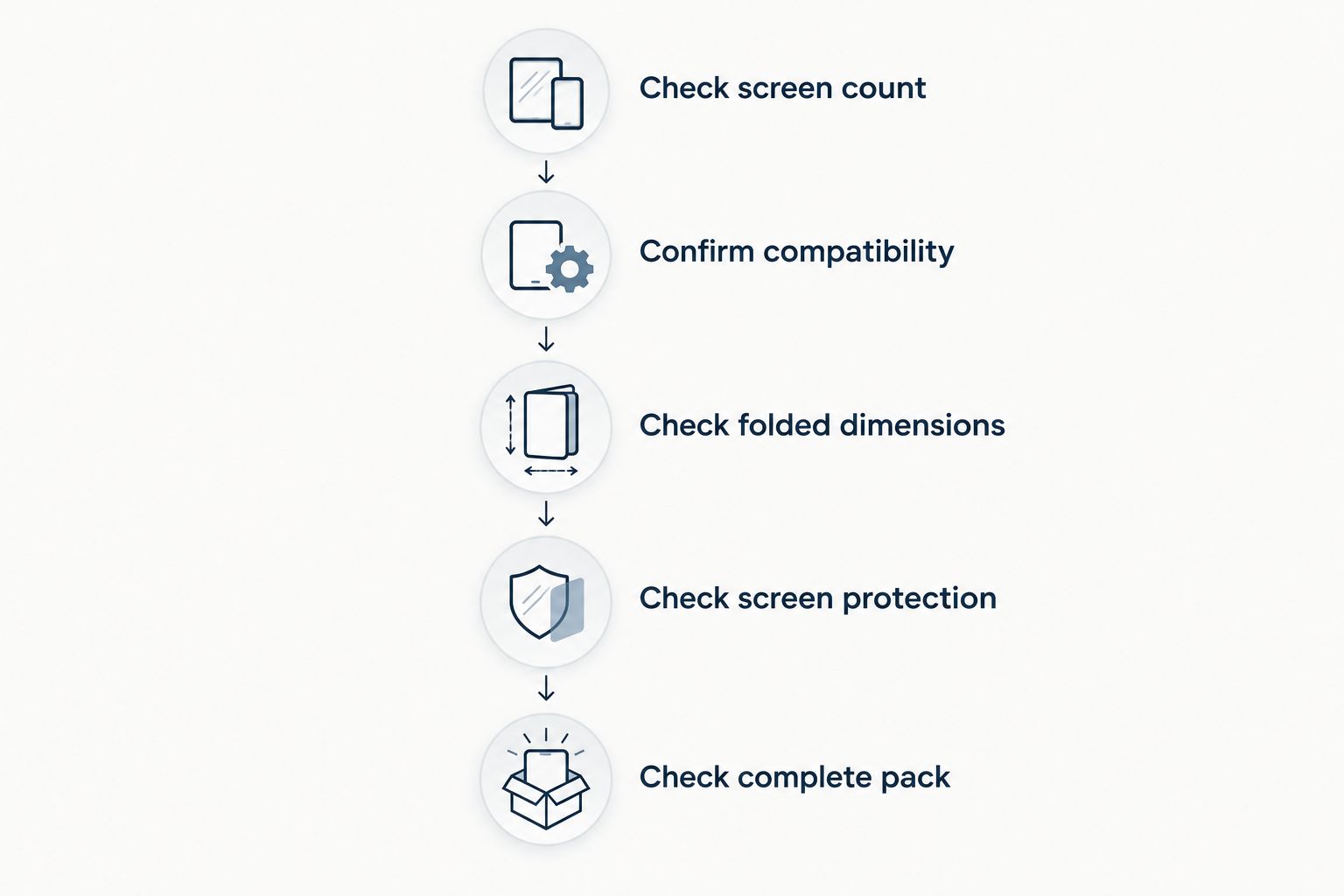
The checklist ends with the whole bag because portability belongs to the complete setup. A display that packs neatly on its own still has to travel alongside the equipment you already carry.
Why folded size and travel convenience vary
The folding mechanism is only part of the decision. These factors explain what to examine across different designs without assuming that every folding monitor behaves the same way.
- Panel arrangement: Check whether the displays close together or require separation before packing.
- Mounting hardware: Establish whether attachment parts remain on the assembly or travel separately.
- Support hardware: Include any stand or support specified for use, rather than considering only the panels.
- Protective packing: Assess the setup in its intended protective configuration, not as an unprotected stack.
- Connection equipment: Include the cables and adapters required by your documented laptop configuration.
- Bag layout: Compare the complete packed shape with the compartment you intend to use, including its opening.
None of these checks requires you to guess at durability or performance. They require a clear description of the product and a realistic view of your travel bag. If a listing does not establish a necessary detail, resolve it before ordering.
Can you leave a triple-monitor attachment on your laptop?
Only leave an attachment on during travel when the manufacturer’s instructions permit that packing configuration. A product shown attached during use does not establish that it should remain mounted inside a bag.
Check whether packing requires detaching the assembly, removing a support, or disconnecting cables. These details determine your actual packing routine. Do not assume that “folding” also means “leave everything connected.”
For a 2026 product comparison, ask for the closed configuration and its instructions rather than relying on an open-screen image. That gives you a concrete basis for comparing attached and separate arrangements.
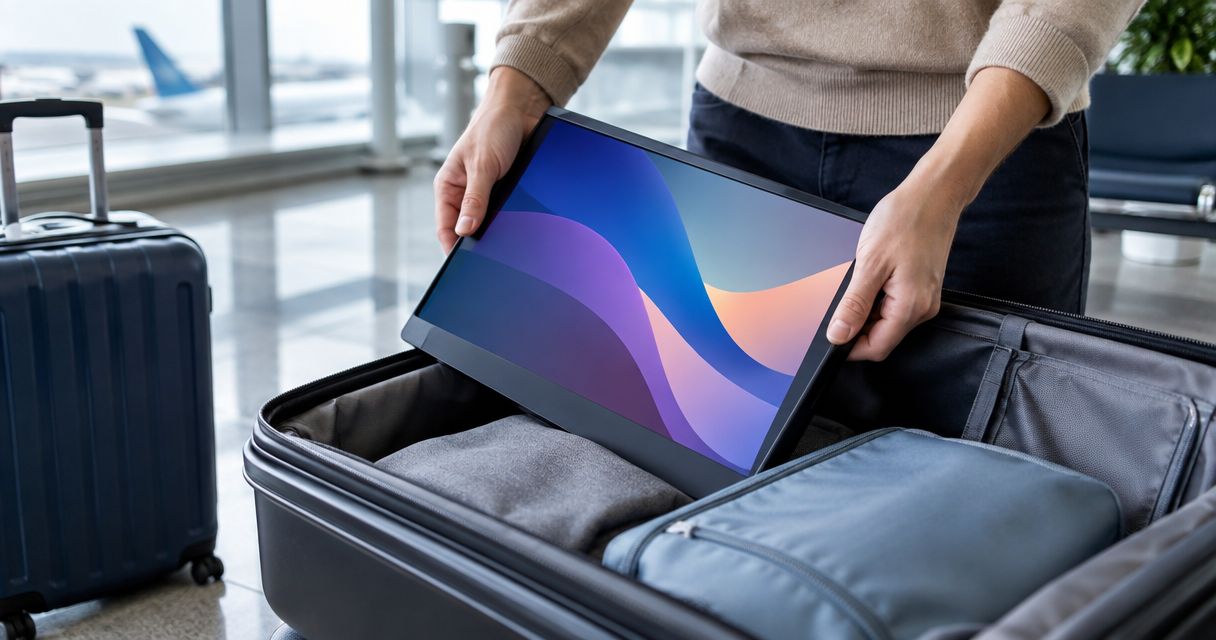
Will a folded triple-monitor setup fit in a laptop bag?
A folded setup fits only when its complete packed dimensions fit the bag’s usable interior and opening. The laptop size printed on a bag is not a measurement of the space left after adding external screens.
Compare the intended compartment with the protected assembly, not just the bare displays. Check how the bag closes around the equipment without forcing it. A narrow opening can also limit what goes into a larger compartment.
If you already own the bag, use its actual interior space as the constraint. If you are choosing both items, establish the monitor setup’s packed configuration first. Avoid making two purchases based on the same unverified assumption.
What should you choose if travel is the priority?
Choose the smallest screen arrangement that supports your actual work. That is an editorial buying rule, not a measured performance claim. It keeps the decision focused on useful workspace rather than screen count alone.
Consider a triple-display arrangement when you have a clear reason to keep separate tasks visible together. Consider a single second screen when one additional display covers the work. Neither choice is automatically right for every remote worker.
When comparing Rovesetups portable laptop monitor attachments, apply the same checks you would use for any travel display: documented compatibility, closed dimensions, packing requirements, and the complete carrying setup. Do not substitute the brand or the folding description for those details.
FAQ
Does a portable triple monitor fold flat for travel?
Some portable triple-monitor designs fold into a flat bundle for travel. Confirm the exact model’s closed dimensions, packing instructions, and screen protection before assuming it fits your bag.
Does triple monitor mean three extra screens?
A laptop-based triple-display setup typically means 3 screens total: 1 laptop screen and 2 external screens. Check the listing because the wording alone does not establish what is included.
Can I pack a folding monitor in the same sleeve as my laptop?
Only use the same sleeve if the complete protected setup fits and the packing instructions permit that arrangement. A sleeve sized for the laptop alone does not establish room for attached displays.
Do I need to remove the monitor attachment before traveling?
Follow the exact model’s packing instructions to determine whether removal is required. Being attached during use does not prove the assembly should stay attached in transit.
Is a single portable screen better for travel than a triple-monitor setup?
A single portable screen is the simpler screen-count choice when you only need one extra display. A triple-display arrangement gives you another workspace to use, but requires you to account for the additional panel when packing.
What should I check before buying a folding monitor setup in 2026?
Check screen count, laptop compatibility, closed dimensions, screen protection, and the complete travel pack. Assess the exact model rather than assuming all folding designs share the same requirements.
Does folding flat protect the screens in my bag?
Folding flat does not establish screen protection. Check the manufacturer’s packing instructions and any specified protective accessories before carrying the assembly.
One last thing
The useful travel measurement is the protected, packed assembly—not the screen diagonal. Before buying in 2026, compare that complete shape with the bag you actually carry, including its opening. That check answers more than an image of a monitor folded flat on a desk.