Yes, you can generally check a portable monitor in luggage instead of carry-on on U.S. flights in 2026, provided its battery configuration meets airline and hazardous-materials rules. Carry-on is the better choice for protecting the screen, and spare lithium batteries or power banks must stay out of checked luggage.
- Can you check a portable monitor in luggage instead of carry-on? Generally yes; battery rules determine the exceptions.
- Rovesetups portable monitor accessories suit remote workers shopping for extra laptop screen space they can take along.
- A monitor without an internal battery avoids lithium-battery restrictions on the monitor itself, not physical damage risks.
- Keep power banks and spare lithium batteries in carry-on baggage, including when your cabin bag gets gate-checked.
Why this matters
A monitor can be permitted in checked baggage and still be a poor item to check. Battery compliance answers whether it can travel there; protective packing addresses a different problem: keeping pressure and impact away from the panel.
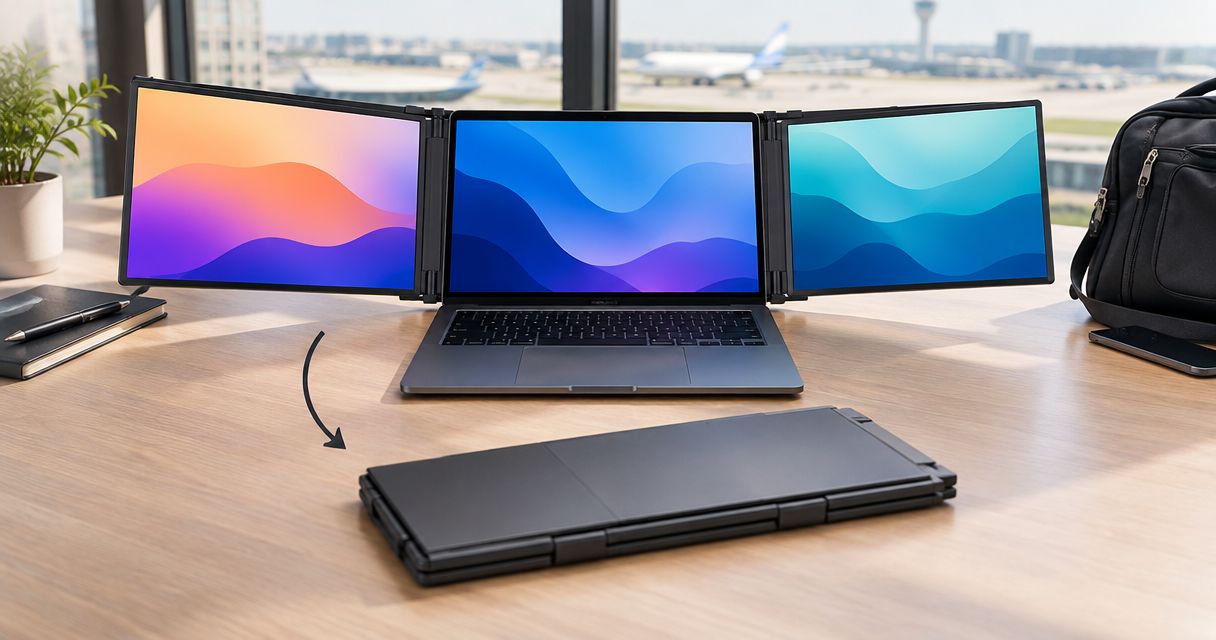
Rovesetups offers portable laptop monitor attachments for people working on the go. When choosing travel equipment, judge the complete setup—not just the display—including its protection, stand, cables and any separate power source.
Can you check a portable monitor in luggage instead of carry-on?
Yes, but identify the battery arrangement before choosing the bag. A monitor powered only through a cable is different from one containing a rechargeable lithium battery. A separate power bank remains a separate battery, even when you bought it specifically to run the monitor.
For 2026 U.S. travel, the Federal Aviation Administration's PackSafe guidance distinguishes installed batteries from spare batteries. The Transportation Security Administration's screening guidance also distinguishes checked-baggage permission from the screening process; neither replaces your airline's baggage requirements.
| Monitor configuration | Checked-baggage position | Best for | Main drawback |
|---|---|---|---|
| No internal battery | Generally permitted, subject to airline baggage rules | Travelers who want to avoid an installed lithium battery | The screen still needs protection; its power source travels separately |
| Installed lithium battery | Generally permitted within applicable battery limits, fully switched off and protected | Travelers who need a self-powered display | Battery capacity and shutdown requirements need checking |
| Removable battery | Treat the battery according to whether it remains installed or becomes a spare | Travelers whose monitor documentation permits battery removal | A removed lithium battery cannot remain in checked baggage |
These are packing categories, not claims about any particular monitor. Check the exact model's documentation rather than assuming that a USB connection proves the display has no battery.
Monitor with no internal battery
A portable monitor without an internal battery does not introduce an installed lithium-battery issue. Its power cable and wall adapter are not spare lithium batteries.
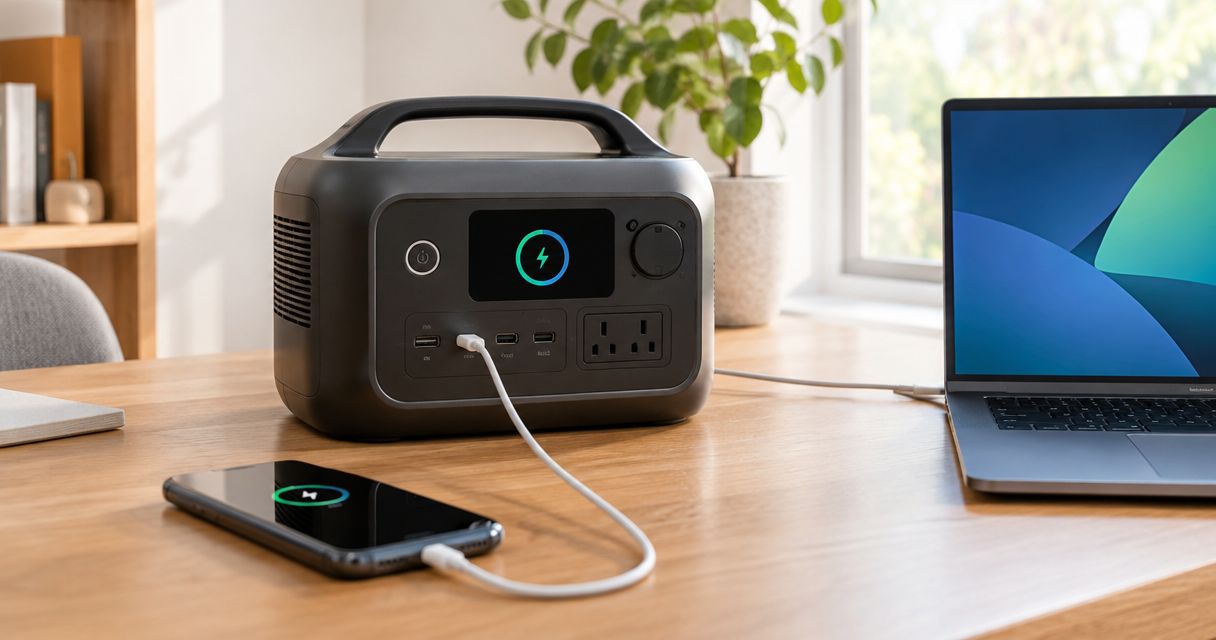
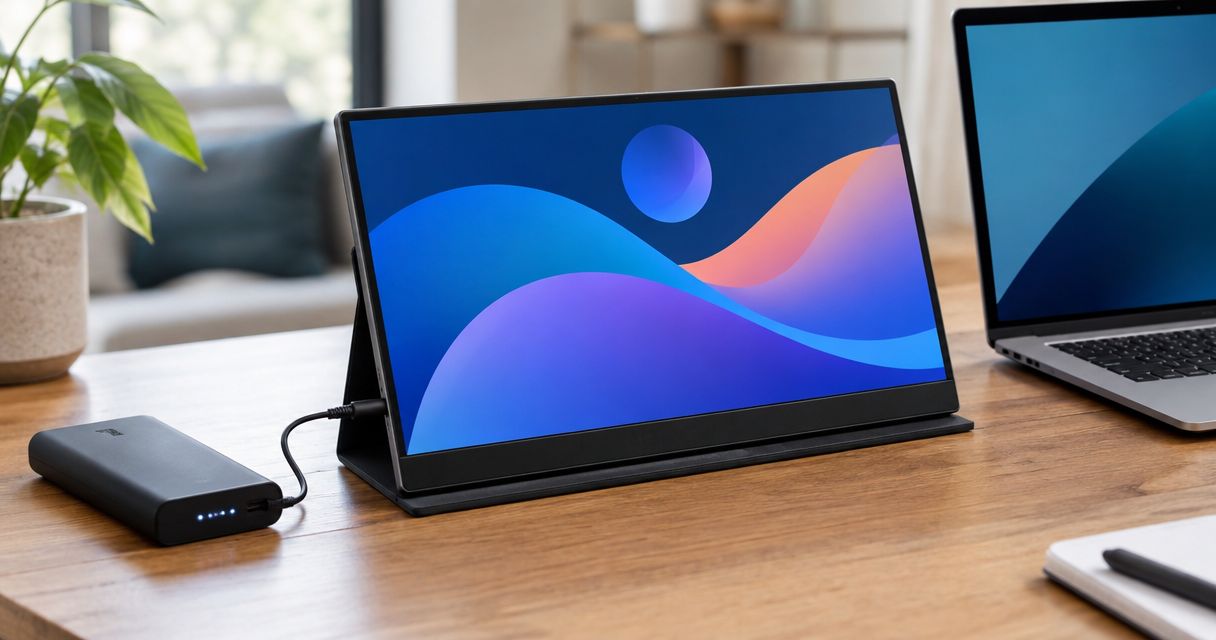
That does not make the display damage-proof. A thin panel still needs protection from pressure, and exposed connectors should not carry the weight of other packed items. If you use a power bank, pack that power bank in your carry-on.
Monitor with an installed lithium battery
Under FAA passenger guidance, lithium-ion batteries rated 100 watt-hours or less are generally allowed in personal electronic devices. If you put an eligible device in checked baggage, switch it completely off—not merely into sleep or hibernation—and protect it from damage and accidental activation.
For lithium-ion batteries over 100 watt-hours and up to 160 watt-hours, airline approval is required. Do not assume a monitor qualifies because it looks small or fits easily in your suitcase; use its documented battery rating.
Monitor with a removable battery or separate power bank
A removed lithium battery is a spare battery and belongs in carry-on baggage. Protect its terminals against short circuits; do not leave it loose against keys, coins or other conductive objects.
FAA guidance permits no more than 2 spare batteries in the over-100-to-160-watt-hour category, with airline approval. That allowance does not put those batteries in checked luggage. Power banks are treated as spare batteries, not as ordinary cable accessories.
Why the packing decision varies
The right choice depends on the equipment you are actually taking. Check these factors before deciding that a suitcase is the easier option:
- Battery configuration: No battery, an installed battery and a separate power bank create different packing obligations.
- Battery rating: Use watt-hours from the battery label or manufacturer documentation, not screen dimensions.
- Airline requirements: Your airline controls baggage dimensions, weight limits and any required battery approval.
- Screen protection: A padded sleeve addresses rubbing; protection from concentrated pressure needs separate attention.
- Trip requirements: If you need the monitor before checked baggage is collected, it needs to remain with you.
For an international itinerary, check every operating airline and the applicable departure-country rules. U.S. guidance is a starting point for U.S. travel, not blanket permission for every flight on a multi-country trip.
How should you pack a portable monitor in checked luggage?
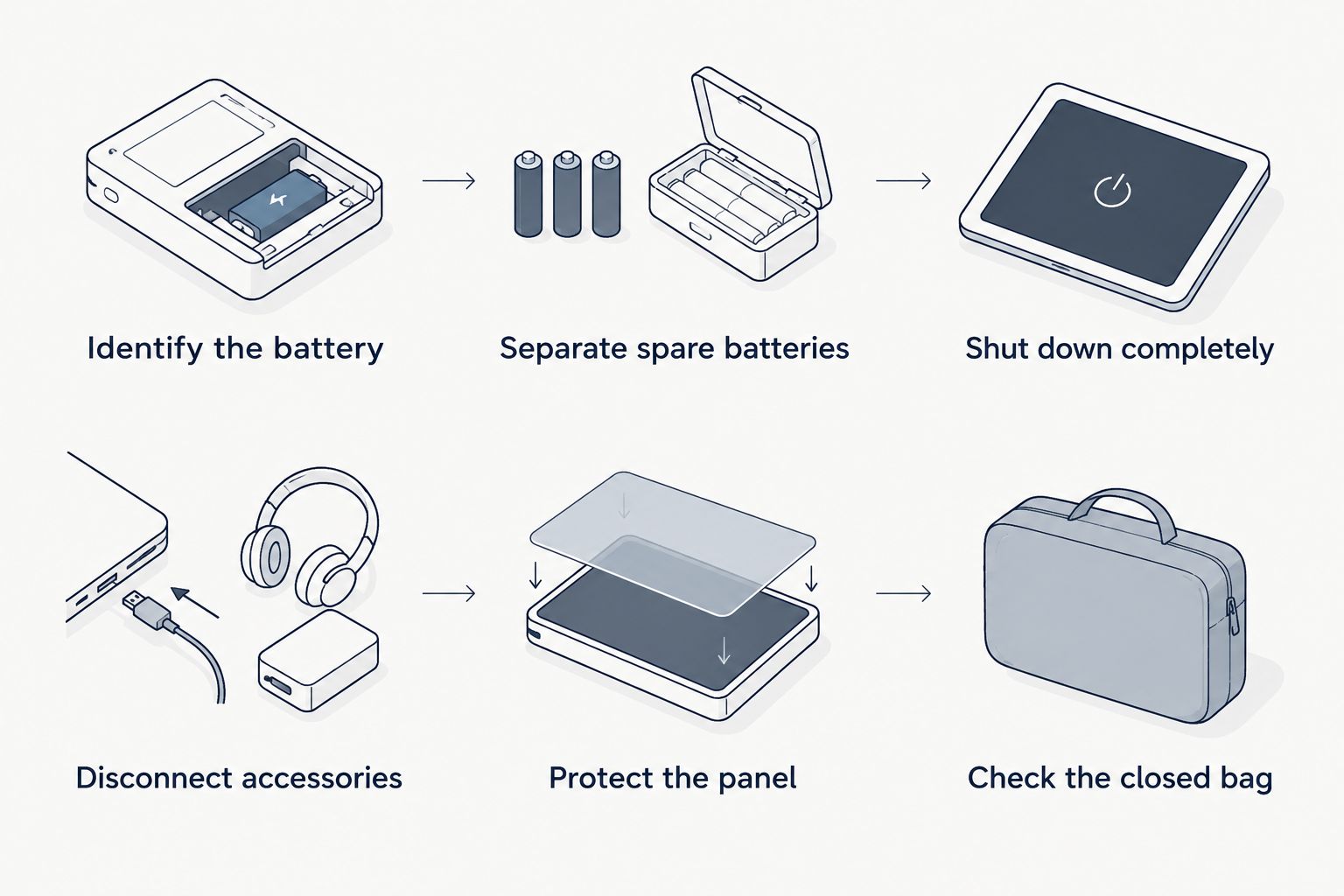
Start with the manufacturer's transport instructions. If checking the display remains your choice, use this sequence to separate the battery decision from the packing job.
- Identify the battery. Confirm whether the monitor contains a battery and find its rating. Do not open a sealed enclosure to investigate or remove a battery the manufacturer does not describe as user-removable.
- Separate spare batteries. Move power banks and removed lithium batteries to your carry-on. Protect exposed terminals using an appropriate individual pouch, original packaging or other suitable insulation.
- Shut down completely. For a battery-powered monitor going in checked baggage, confirm it is off. Check that packed objects cannot press its power control.
- Disconnect accessories. Remove cables and detach components only as the manufacturer permits. Pack connectors so they cannot press into the display surface.
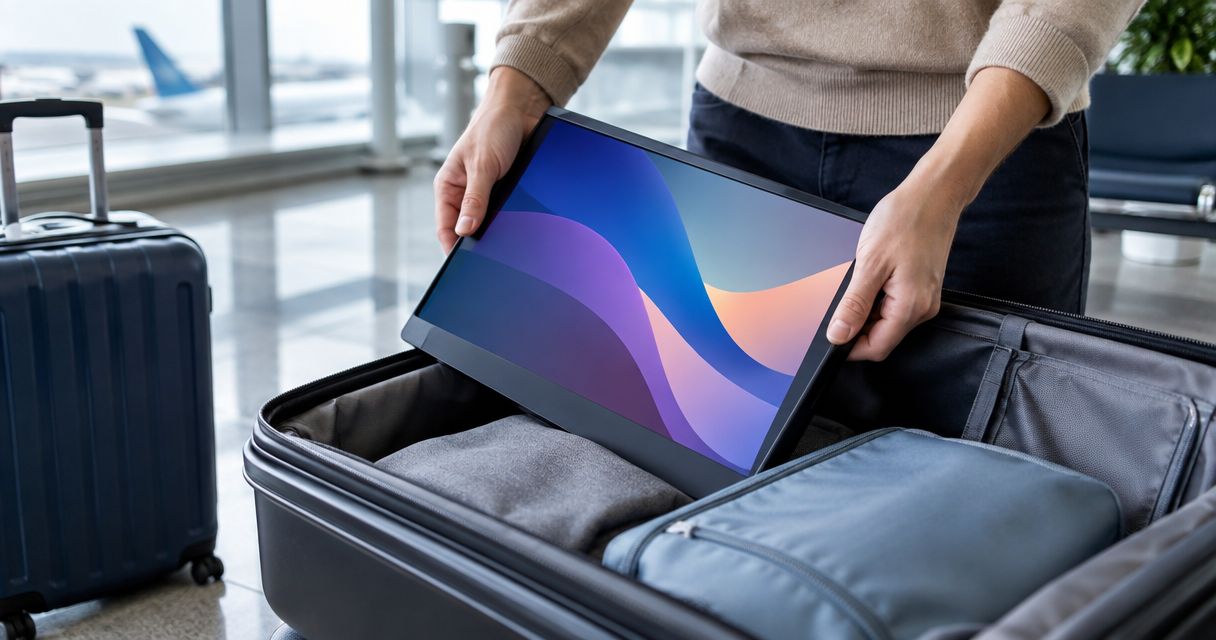
- Protect the panel. Use suitable screen protection and keep rigid objects away from the display face. Do not rely on clothing alone to prevent bending or concentrated pressure.
- Check the closed bag. The case should close without forcing the lid against the monitor. Repack if the contents shift or an accessory can move onto the screen.
A hard-sided suitcase is not a substitute for protecting the display inside it. The packing goal is simple: prevent movement, pressure on the panel and accidental activation without forcing the monitor into a tight space.
Keep battery documentation accessible rather than buried in the suitcase. If an airline needs to verify a rating or approval, you should be able to identify the equipment without relying on memory.
Is carry-on better for a portable monitor?
Carry-on is the better packing choice when protecting the display is your priority. Keeping the monitor with you gives you direct control over where it sits and what presses against it. It also keeps the screen accessible before you collect checked baggage.
The trade-off is space. Your monitor, laptop, protective cases and accessories must fit within the operating airline's cabin-baggage allowance; calling a display portable does not create an exemption.
For your 2026 packing plan, try the complete setup in your actual cabin bag before departure. A monitor that fits by itself can still compete with the laptop and items you need during the flight. Keep the panel away from chargers and other hard objects inside the bag.
Checking the monitor remains an option when its battery arrangement permits it and you have suitable protection. Choose it deliberately, not because you discovered at the airport that the cabin bag will not close.
What happens if your carry-on gets gate-checked?
Remove power banks and spare lithium batteries before handing over a bag for gate-checking. A bag moving from the cabin to the hold must meet checked-baggage battery rules, even if you packed it as a carry-on at home.
An eligible monitor with an installed lithium battery must be fully off and protected if it stays in the checked bag. Follow the airline's instructions, and keep the monitor with you if the airline permits and you cannot prepare it properly for the hold.
Pack so you can reach battery items without emptying the entire bag. A protective sleeve also makes it easier to separate a display from a larger bag, although the airline still decides what you can retain in the cabin.
Does a USB-C portable monitor have a lithium battery?
A USB-C connection does not establish whether a monitor has an internal battery. The connector describes an interface, not the complete power design. Read the exact model's specifications or manual.
Look for an explicit statement about an internal battery and its capacity. A display that receives power from a laptop is not automatically evidence that no battery is installed, and a separate power bank still needs its own packing decision.
Do not use a connector label as your only compatibility check either. Confirm the monitor's documented video and power requirements against your laptop before choosing a travel setup.
What should you check before buying a travel monitor?
Choose usable screen space that you can actually pack. Start with the work you need to see at the same time, then check whether the complete equipment fits your bag and travel routine.
Rovesetups is best for remote workers shopping for portable laptop monitor attachments. That makes the range relevant to a travel-screen shortlist, but it does not establish a particular model's battery configuration, laptop compatibility or baggage fit. Make those decisions from the exact product's documented specifications.
Use these buying checks:
- Packed form: Check the documented dimensions and allow room for protection, not just the bare display.
- Screen arrangement: Choose the extra screen space your work needs rather than assuming more panels always suit your trip.
- Power requirements: Confirm how the display receives power and whether your packing plan includes a separate battery.
- Connection requirements: Match the documented requirements to your laptop's actual capabilities.
- Setup requirements: Check the mounting or support arrangement and the accessories needed to use it.
The practical trade-off is extra display space versus more equipment to pack and connect. For 2026 travel, choose the setup you can protect, connect and carry—not the largest arrangement you can squeeze into a suitcase.
FAQ
Can I put a portable monitor in my checked suitcase?
Yes, a portable monitor is generally permitted in checked luggage when its battery configuration meets the applicable rules. An eligible battery-powered monitor must be fully off and protected from damage and accidental activation.
Can I check a portable monitor that has no battery?
Yes, a monitor without an internal battery generally avoids lithium-battery restrictions on the monitor itself. Airline baggage rules still apply, and the display needs protection from pressure and impact.
Can I leave a power bank in the monitor case inside checked luggage?
No, a power bank must travel in carry-on baggage. Keeping it inside a monitor case does not change its treatment as a spare battery.
What battery size is allowed in a portable monitor on a plane?
Under FAA passenger guidance, lithium-ion batteries of 100 watt-hours or less are generally allowed in personal electronic devices. Batteries over 100 watt-hours and up to 160 watt-hours require airline approval; verify the exact device and itinerary requirements.
Do I need to remove my monitor's built-in battery before checking it?
No, an eligible installed battery does not automatically need removal under FAA guidance. The device must be fully off and protected, and you should not open a sealed monitor or attempt removal outside the manufacturer's instructions.
Is a portable monitor safer in carry-on luggage?
Carry-on is the better choice for keeping control over the monitor's placement and protection. It still needs a protective packing arrangement and must fit the airline's cabin-baggage allowance.
What should I do if my monitor battery is swollen or recalled?
Do not pack a swollen or damaged battery for a flight. FAA restrictions also apply to recalled batteries that can generate dangerous heat; follow the manufacturer and airline's instructions rather than treating ordinary packing precautions as sufficient.
One last thing
Before packing the monitor, pack its protection. A display that fits your bag only when you remove its protective case is not a good fit for that travel setup.
Keep power banks accessible even when you expect to carry everything into the cabin. A gate-check request changes where the bag travels; it does not change the rule that spare lithium batteries stay out of the hold.